


Table of Contents
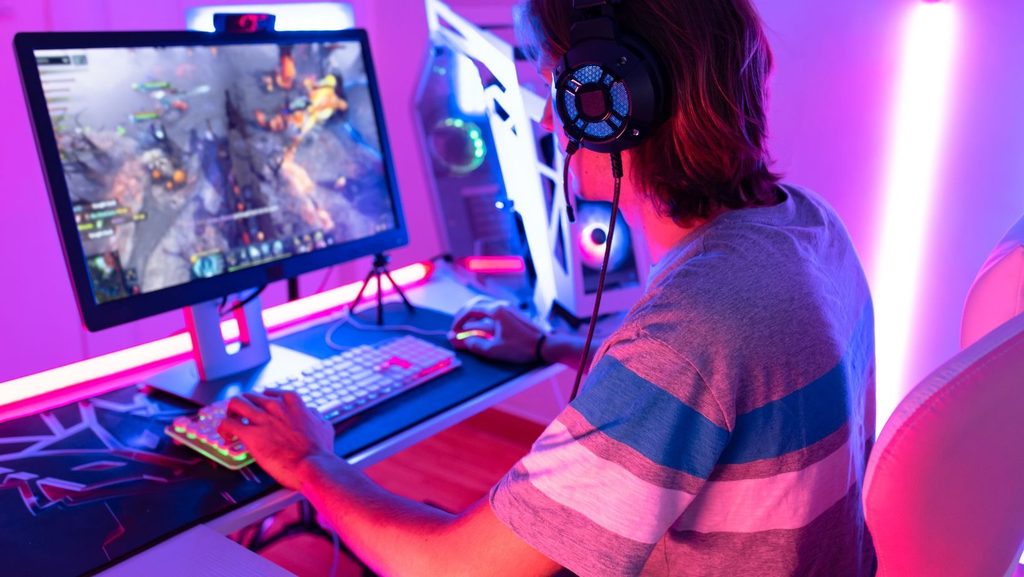
ToggleA solid PC gaming guide can save hours of confusion and hundreds of dollars in mistakes. Whether someone is building their first rig or upgrading an aging setup, understanding the fundamentals makes all the difference. PC gaming offers unmatched customization, better graphics, and access to thousands of titles, but getting started requires some assignments.
This guide covers the essential hardware, peripherals, software platforms, and optimization tips every new PC gamer needs. By the end, readers will have a clear roadmap for creating a gaming setup that fits their budget and playstyle.
Key Takeaways
- A solid PC gaming setup starts with choosing the right GPU, CPU, and at least 16GB of RAM to match your budget and performance goals.
- Peripherals like a 144Hz monitor, mechanical keyboard, and ergonomic mouse significantly enhance your daily gaming experience.
- Install multiple game launchers (Steam, Epic Games Store, GOG) to access the widest selection of titles and deals.
- Keep your graphics drivers updated to prevent crashes, unlock new features, and improve frame rates in newer games.
- Optimize in-game settings by lowering shadows and anti-aliasing, and use DLSS or FSR for major performance gains with minimal visual loss.
- Regular maintenance—including dust cleaning, temperature monitoring, and Windows updates—keeps your PC gaming rig running smoothly for years.
Essential Hardware Components for PC Gaming
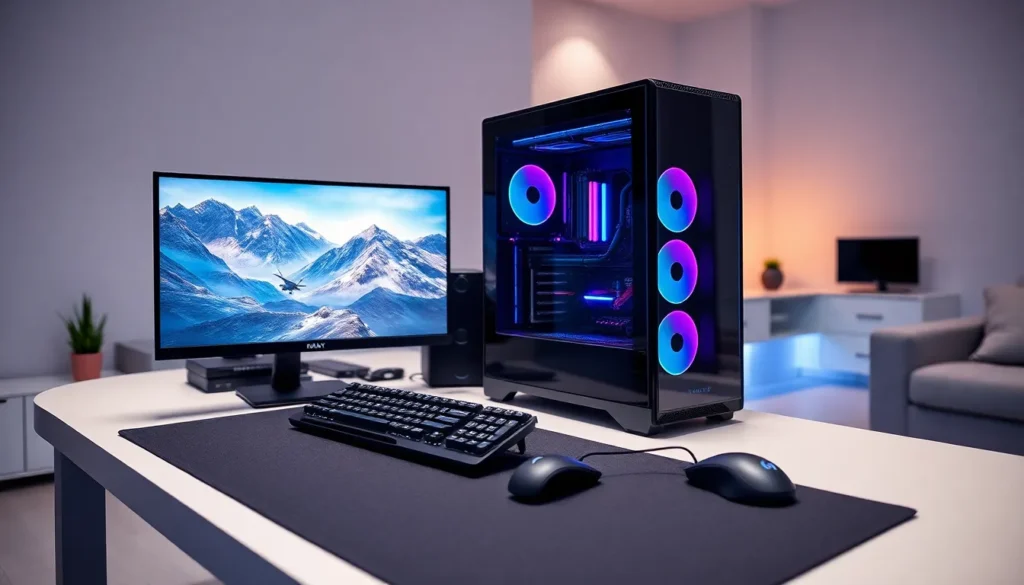
Every PC gaming setup starts with the right hardware. These core components determine what games a system can run and how well they perform.
Graphics Card (GPU)
The GPU handles all visual processing. It’s the single most important component for gaming performance. NVIDIA’s GeForce RTX 4060 and AMD’s Radeon RX 7600 offer solid entry points for 1080p gaming. Those targeting 4K resolution should consider the RTX 4080 or RX 7900 XT.
Processor (CPU)
The CPU manages game logic, physics calculations, and background tasks. Intel’s Core i5-14400F and AMD’s Ryzen 5 7600 provide excellent gaming performance at mid-range prices. High-end options like the i7-14700K or Ryzen 7 7800X3D handle demanding titles and streaming simultaneously.
Memory (RAM)
16GB of DDR4 or DDR5 RAM is the current sweet spot for PC gaming. Most modern games run smoothly at this capacity. Gamers who multitask heavily or play memory-intensive titles should consider 32GB.
Storage
A fast NVMe SSD dramatically reduces load times. A 1TB drive provides enough space for the operating system and several large games. Many PC gaming enthusiasts add a secondary HDD for storing older titles and media files.
Power Supply and Case
A quality 650W-750W power supply handles most mid-range builds. The case should offer good airflow and enough space for components. These parts don’t affect frame rates directly, but they keep everything running cool and stable.
Choosing the Right Gaming Peripherals
Hardware inside the case matters, but peripherals shape the daily gaming experience. The right keyboard, mouse, and monitor can improve both comfort and performance.
Gaming Monitor
Refresh rate and resolution define a monitor’s gaming capability. A 144Hz 1080p monitor suits most players and keeps costs reasonable. Competitive gamers often prefer 240Hz or higher for faster response times. Those focused on visual quality should look at 1440p or 4K panels.
Panel type also matters. IPS panels offer better colors and viewing angles. VA panels provide deeper blacks. TN panels have the fastest response times but weaker colors.
Keyboard and Mouse
Mechanical keyboards offer tactile feedback and durability that membrane keyboards can’t match. Popular switch types include Cherry MX, Gateron, and Razer’s proprietary options.
A gaming mouse should fit the user’s grip style and have a reliable sensor. DPI adjustability, programmable buttons, and low latency are standard features on most PC gaming mice today.
Headset
A decent gaming headset provides spatial audio for competitive advantage and clear communication with teammates. Wired options typically offer better audio quality. Wireless models add convenience at a higher price point.
Setting Up Your Gaming Software and Platforms
With hardware assembled, the next step in any PC gaming guide involves software setup. Digital storefronts and proper driver installation get games running smoothly.
Game Launchers
Steam dominates the PC gaming market with the largest game library and frequent sales. Epic Games Store offers free weekly games and occasional exclusives. GOG specializes in DRM-free titles and classic games. Most PC gamers install multiple launchers to access different libraries.
Graphics Drivers
Updated GPU drivers unlock new features and fix game-specific issues. NVIDIA users should download GeForce Experience or the standalone driver package. AMD users need the Radeon Software suite. Keeping drivers current prevents crashes and improves frame rates in newer titles.
Windows Settings
Windows 11 includes a Game Mode that prioritizes system resources for active games. Enabling it reduces background interference during play sessions. The Xbox Game Bar provides quick access to screenshots, recordings, and performance metrics.
Voice Chat and Social Platforms
Discord has become the default communication tool for PC gaming communities. It offers voice chat, text channels, and screen sharing, all free. Many games also integrate with Steam’s built-in chat features.
Optimizing Your PC for Best Performance
A properly optimized system squeezes extra frames from existing hardware. Small tweaks add up to noticeable improvements.
In-Game Settings
Not all graphics options impact visual quality equally. Shadows, ambient occlusion, and anti-aliasing eat significant GPU resources. Lowering these from Ultra to High often boosts frame rates by 20-30% with minimal visual difference. Resolution scaling tools like DLSS and FSR can provide major performance gains.
Background Processes
Closing unnecessary programs frees up CPU and RAM for gaming. Web browsers with multiple tabs, cloud sync services, and hardware monitoring tools all consume resources. A clean system runs games more consistently.
Temperature Management
Heat throttles performance. Cleaning dust from fans and filters every few months keeps temperatures in check. Proper cable management improves airflow inside the case. Monitoring tools like HWiNFO64 track temperatures under load.
Regular Maintenance
Keeping Windows updated patches security holes and occasionally improves game compatibility. Periodic driver updates, disk cleanups, and malware scans maintain system health. A well-maintained PC gaming rig performs better and lasts longer.