

Table of Contents
TogglePC gaming for beginners can feel overwhelming at first. There are hardware specs to learn, platforms to explore, and countless games waiting to be played. But here’s the good news: getting started is easier than most people think.
This guide breaks down everything a new PC gamer needs to know. From understanding core components to setting up a game library, each section covers practical steps anyone can follow. Whether someone wants to build a custom rig or buy a prebuilt system, the path to PC gaming starts here.
Key Takeaways
- PC gaming for beginners starts with understanding core hardware: a mid-range GPU, a solid CPU, 16GB RAM, and an SSD for fast load times.
- Both prebuilt and custom-built PCs are valid choices—prebuilts offer convenience while custom builds save 10-20% and provide more control.
- Essential peripherals include a 144Hz monitor, mechanical keyboard, ergonomic gaming mouse, and a quality headset for immersive audio.
- Steam is the dominant platform, but services like Xbox Game Pass offer affordable ways for beginners to explore hundreds of games.
- Regularly updating graphics drivers and learning to adjust in-game settings can significantly boost performance on any system.
- Joining communities like r/pcgaming or Discord servers helps new players get advice, troubleshoot issues, and discover games.
Understanding PC Gaming Hardware Basics
Every gaming PC relies on a few critical components. Understanding these parts helps beginners make smarter buying decisions and avoid common mistakes.
The Graphics Card (GPU)
The graphics card handles all visual processing. It determines how games look and how smoothly they run. For PC gaming for beginners, a mid-range GPU like the NVIDIA RTX 4060 or AMD RX 7600 offers excellent performance without very costly. These cards handle most modern games at 1080p with high settings.
The Processor (CPU)
The CPU acts as the brain of the system. It processes game logic, physics, and background tasks. Intel Core i5 and AMD Ryzen 5 processors provide strong performance for gaming. Beginners don’t need the most expensive chip, most games rely more heavily on the GPU.
RAM and Storage
16GB of RAM has become the standard for PC gaming in 2025. This amount handles modern games and allows for multitasking. For storage, a solid-state drive (SSD) with at least 500GB is essential. SSDs load games faster and improve overall system responsiveness. Many gamers add a secondary 1TB or 2TB drive for larger libraries.
The Power Supply and Motherboard
The power supply unit (PSU) delivers electricity to all components. A 650W unit from a reputable brand covers most mid-range builds. The motherboard connects everything together, it needs to match the CPU socket type and support the desired RAM speed.
Choosing Your First Gaming PC: Prebuilt vs. Custom
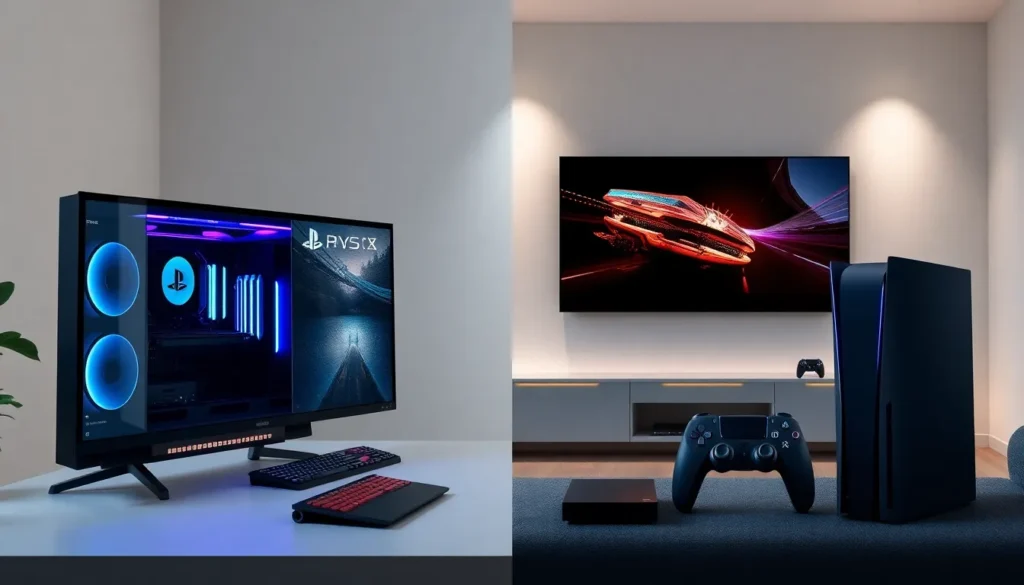
PC gaming for beginners often starts with one big question: should someone buy a prebuilt system or build their own?
Prebuilt Gaming PCs
Prebuilt systems arrive ready to use. Companies like HP Omen, Alienware, and NZXT offer gaming PCs at various price points. The benefits are clear: no assembly required, warranty coverage on the whole system, and customer support when issues arise.
The downsides? Prebuilts sometimes cut corners on components like power supplies or use proprietary parts that limit future upgrades. They also tend to cost more than equivalent custom builds.
Custom-Built PCs
Building a PC from scratch offers more control. Buyers choose every component and can prioritize spending where it matters most. A custom build typically saves 10-20% compared to a similar prebuilt.
The process isn’t as hard as it sounds. Plenty of YouTube tutorials walk through each step. PCPartPicker.com helps ensure all components work together. For someone willing to spend a few hours learning, building provides valuable knowledge about how the system works.
The Verdict for Beginners
Neither option is wrong. Those who want convenience and support should go prebuilt. Those who enjoy learning and want maximum value should consider building. Either path leads to great PC gaming experiences.
Essential Peripherals and Accessories
A gaming PC needs the right peripherals to function. These accessories directly affect how games feel to play.
Monitor
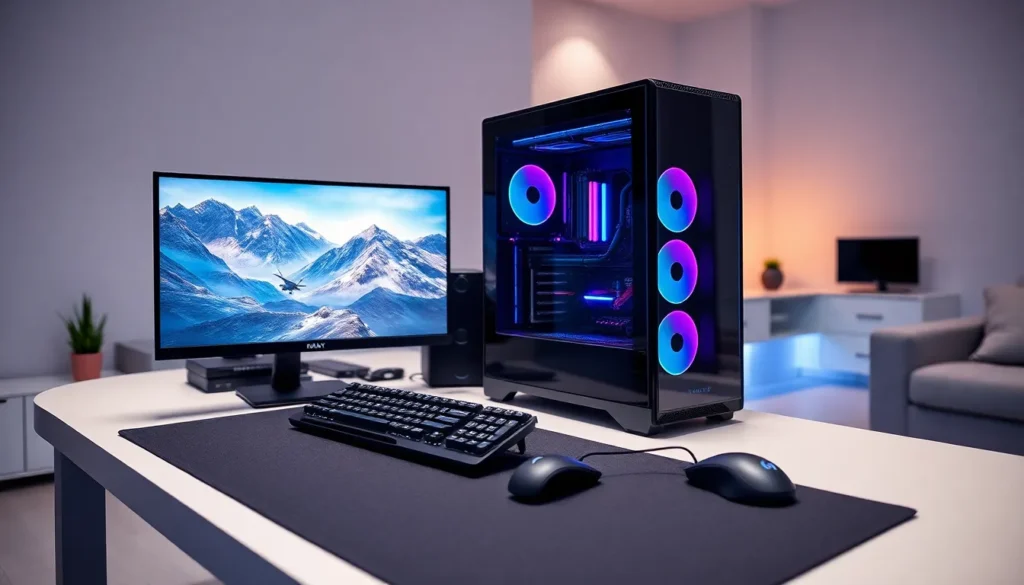
The monitor displays the action. For PC gaming for beginners, a 1080p monitor with a 144Hz refresh rate hits the sweet spot. This setup provides smooth visuals without demanding extreme GPU power. IPS panels offer better colors and viewing angles than older TN panels. A 24-27 inch screen size works well for desk setups.
Keyboard and Mouse
A mechanical keyboard offers satisfying key presses and faster response times than membrane keyboards. Entry-level mechanical boards from brands like Keychron or HyperX cost between $50-80.
A gaming mouse with adjustable DPI settings helps with precision. Look for one that fits comfortably in the hand, ergonomics matter during long sessions. The Logitech G502 and Razer DeathAdder remain popular choices.
Headset or Speakers
Audio matters more than many beginners realize. Footsteps in competitive shooters, environmental cues in horror games, and immersive soundtracks all benefit from good audio. A quality gaming headset with a built-in microphone covers both sound and voice chat.
Other Accessories
A mousepad provides consistent tracking surface. A comfortable chair prevents back pain during extended sessions. Cable management tools keep the setup clean and organized.
Setting Up Your Gaming Library and Platforms
PC gaming for beginners means learning about digital storefronts. Unlike consoles with a single store, PC offers multiple platforms.
Steam
Steam dominates PC gaming. It hosts thousands of games, runs regular sales, and offers community features like forums and user reviews. Creating a free account takes minutes. Steam’s client also tracks playtime, manages downloads, and handles automatic updates.
Other Platforms
Epic Games Store gives away free games weekly, a great way for beginners to build a library without spending money. GOG.com sells DRM-free games, meaning they run without any online verification. EA App, Ubisoft Connect, and Xbox App host games from those publishers.
Game Pass and Subscription Services
Xbox Game Pass for PC offers hundreds of games for a monthly fee. This subscription provides an affordable way to try different genres and discover favorites. Many beginners find Game Pass invaluable during their first months of PC gaming.
Managing Multiple Launchers
Multiple storefronts can feel cluttered. Apps like Playnite or GOG Galaxy combine libraries into a single interface. This organization makes finding and launching games much simpler.
Tips for Optimizing Your First Gaming Experience
Getting started with PC gaming for beginners involves a few optimization steps that improve performance and enjoyment.
Update Drivers Regularly
Graphics card drivers affect game performance significantly. NVIDIA and AMD release updates that improve stability and add optimizations for new releases. Check for updates monthly or enable automatic notifications.
Learn Graphics Settings
PC games offer adjustable graphics settings. Shadow quality, anti-aliasing, texture resolution, each affects visual quality and performance. Beginners should start with medium-high presets and adjust from there. Lowering shadows and ambient occlusion often provides big performance gains with minimal visual impact.
Use Game Mode in Windows
Windows 11 includes a Game Mode that prioritizes gaming performance. It reduces background activity and prevents Windows Update from interrupting sessions. Enable it through Settings > Gaming > Game Mode.
Start with Accessible Games
New PC gamers should try different genres to find what they enjoy. Single-player games like Portal 2, Stardew Valley, or Hades offer great introductions. These titles run on modest hardware and teach keyboard-and-mouse controls gradually.
Join Communities
Subreddits like r/pcgaming and r/buildapc provide helpful advice. Discord servers for specific games connect players with others who share their interests. The PC gaming community generally welcomes beginners with questions.