


Table of Contents
ToggleLearning how to VR gaming doesn’t have to be confusing. Virtual reality has moved from science fiction to living rooms worldwide, and getting started is simpler than most people think. This guide covers everything a beginner needs to know, from picking the right headset to installing games and staying comfortable during play sessions. Whether someone wants to explore alien planets, fight zombies, or just experience something completely new, VR gaming offers experiences that flat screens simply can’t match. The key is knowing where to begin.
Key Takeaways
- Standalone VR headsets like the Meta Quest 3 offer the easiest entry into VR gaming for beginners, requiring no PC or console.
- Set up a clear play space of at least 6.5 x 6.5 feet and enable boundary features to ensure safe VR gaming sessions.
- Start with shorter 15-30 minute sessions to let your brain adjust and avoid motion sickness when learning how to VR gaming.
- Access VR games through platform-specific stores like the Meta Quest Store, Steam, or PlayStation Store—many offer free demos to try first.
- Accessories like replacement head straps, prescription lens inserts, and extended batteries significantly improve comfort during longer play.
- Begin with comfort-rated, stationary games like Beat Saber or Job Simulator before progressing to more intense movement experiences.
Choosing the Right VR Headset
The first step in VR gaming is selecting a headset that fits both budget and needs. Several options exist on the market today, each with distinct advantages.
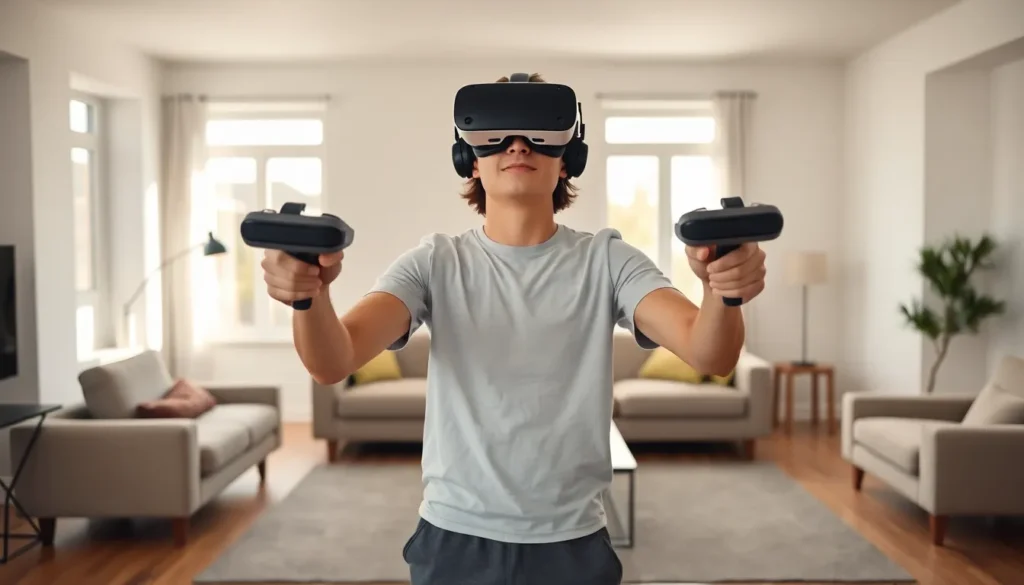
Standalone headsets like the Meta Quest 3 require no external computer or console. They work independently, making them ideal for beginners who want a simple setup. Prices typically range from $300 to $500, and they offer solid game libraries right out of the box.
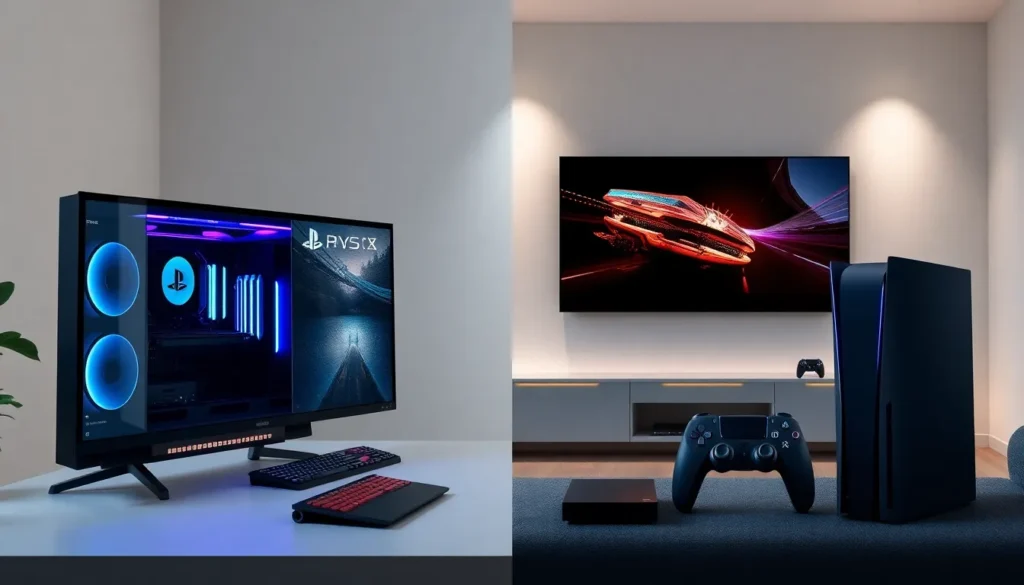
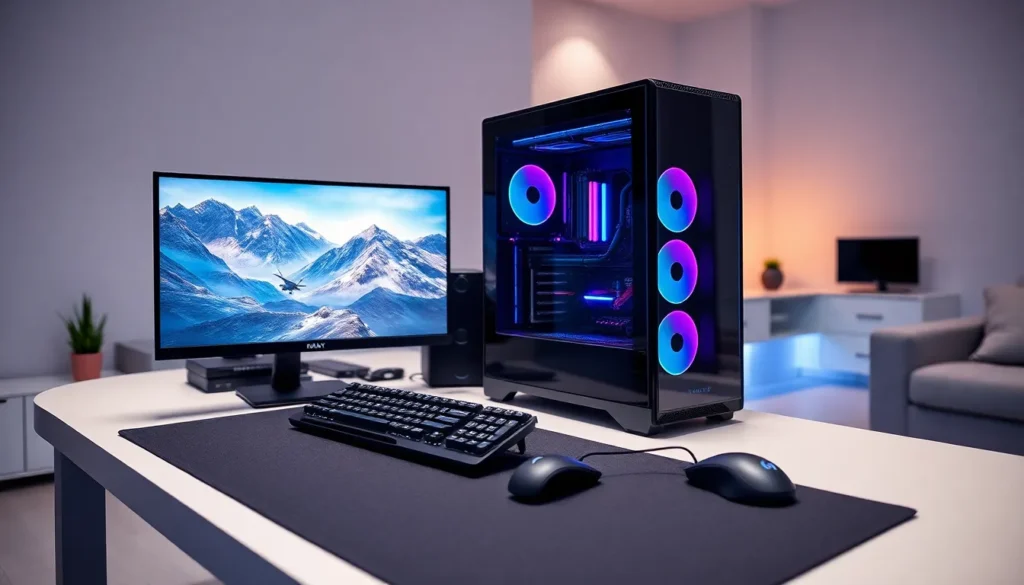
PC VR headsets like the Valve Index or HP Reverb G2 connect to a gaming computer. These deliver higher visual quality and access to more demanding titles. But, they require a capable PC with a strong graphics card, adding to the total cost.
PlayStation VR2 connects to the PS5 console. It offers excellent tracking and haptic feedback for those already invested in Sony’s ecosystem.
When choosing a headset for VR gaming, consider these factors:
- Budget: Standalone units cost less upfront. PC VR requires additional hardware investment.
- Content preferences: Some games are exclusive to specific platforms.
- Physical comfort: Weight, strap design, and adjustability matter for longer sessions.
- Room space: Some systems need more play area than others.
Most beginners find standalone headsets offer the best balance of price, ease of use, and game selection. They remove barriers that might otherwise slow down the VR gaming journey.
Setting Up Your VR Gaming Space
A proper play space makes VR gaming safer and more enjoyable. Before putting on a headset, players should prepare their environment.
Clear the area. Remove furniture, pets, cables, and anything else that could cause trips or collisions. A minimum of 6.5 feet by 6.5 feet of open floor space works for most standing VR games. Some titles require even more room.
Mark boundaries. Most VR systems include a guardian or boundary feature. During setup, users trace the edges of their safe play area. The headset then displays a virtual wall when they get too close to real obstacles. This feature prevents many accidents, but it can’t replace actual awareness.
Consider flooring. Hard floors can cause fatigue during long sessions. A foam mat or area rug provides cushioning and helps players feel their boundary without looking.
Manage lighting. VR headsets use cameras or sensors to track movement. Very bright sunlight or extremely dim rooms can interfere with tracking. Standard indoor lighting usually works fine.
Account for ceiling height. Players often raise their arms during VR gaming. Low-hanging lights and ceiling fans become hazards. Either remove them from the play zone or keep them in mind during active games.
Setting up properly takes just 15-20 minutes but prevents frustration later. A well-prepared space lets players focus on the experience instead of worrying about bumping into furniture.
Essential Accessories and Equipment
While a headset provides the core VR gaming experience, certain accessories improve comfort and functionality.
Replacement head straps offer better weight distribution than stock options. Third-party straps from companies like BOBOVR or Kiwi Design often outperform default equipment, especially for longer play sessions.
Prescription lens inserts help glasses wearers. Instead of squeezing glasses inside the headset, custom lenses snap directly onto the display. Companies like VR Optician and Reloptix create prescription inserts for most popular headsets.
Controller grips secure hand controllers so players can open their hands without dropping them. This proves useful in games that involve throwing objects.
Extended batteries or battery packs add playtime. Standalone headsets typically last 2-3 hours on a single charge. External battery packs can double that duration.
Cleaning supplies keep equipment in good condition. Microfiber cloths for lenses and antibacterial wipes for face cushions extend the life of VR gear.
For PC VR gaming specifically, a capable computer remains essential. Minimum requirements typically include:
- Intel i5 or AMD Ryzen 5 processor
- 8GB RAM (16GB recommended)
- NVIDIA GTX 1060 or AMD RX 580 graphics card
- USB 3.0 ports
Higher-end components deliver smoother performance and sharper visuals. But, meeting minimum specs allows entry into PC VR gaming without very costly.
Finding and Installing VR Games
Each VR platform has its own store for discovering and purchasing games. Knowing where to look makes building a library much easier.
Meta Quest Store serves standalone Quest users. It features hundreds of titles ranging from free experiences to full-priced games. The store appears directly in the headset interface.
Steam hosts the largest PC VR gaming library. Most PC headsets work with Steam VR, giving access to thousands of titles. Sales frequently discount popular games by 50% or more.
PlayStation Store provides PSVR2 content for PS5 owners. Sony’s platform includes several exclusive titles not available elsewhere.
Popular VR games for beginners include:
- Beat Saber: A rhythm game where players slash blocks with lightsabers. Easy to learn, hard to master.
- Superhot VR: A shooter where time moves only when the player moves. Strategic and satisfying.
- Half-Life: Alyx: Considered one of the best VR games ever made (PC VR only).
- Rec Room: A free social platform with various mini-games. Good for meeting other players.
- Job Simulator: A humorous introduction to VR interaction mechanics.
Installation usually involves clicking a button and waiting. Standalone headsets download games wirelessly. PC VR games install through Steam or other launchers. Most games range from 2GB to 20GB in size.
Free demos let newcomers try VR gaming without spending money. Many paid titles offer demo versions, and platforms regularly feature free-to-play options.
Tips for a Comfortable VR Experience
VR gaming can cause discomfort if players don’t take precautions. A few simple habits make sessions more enjoyable.
Start with shorter sessions. New users should limit initial play to 15-30 minutes. This gives the brain time to adjust to virtual environments. Gradually increase duration as comfort improves.
Watch for motion sickness signs. Nausea, sweating, and dizziness indicate the body needs a break. Stop immediately if these symptoms appear. Pushing through makes things worse.
Choose comfort-rated games first. Most stores label games by comfort level. Stationary experiences cause less discomfort than games with artificial locomotion. Build tolerance slowly before trying intense movement games.
Adjust the headset properly. A loose or poorly positioned headset causes eye strain and blurry visuals. Spend time finding the right fit. The screen should appear sharp, and the device shouldn’t press uncomfortably on the face.
Stay hydrated. VR gaming can be surprisingly physical. Active games like Beat Saber or fitness titles burn real calories. Keep water nearby.
Use a fan. A small desk fan pointed at the play area helps with temperature regulation and provides a real-world reference point that can reduce disorientation.
Take breaks every 30-45 minutes. Even experienced players benefit from periodic rests. Look at distant objects to relax eye muscles after removing the headset.
These practices help newcomers avoid the negative experiences that sometimes discourage people from continuing with VR gaming.