


Table of Contents
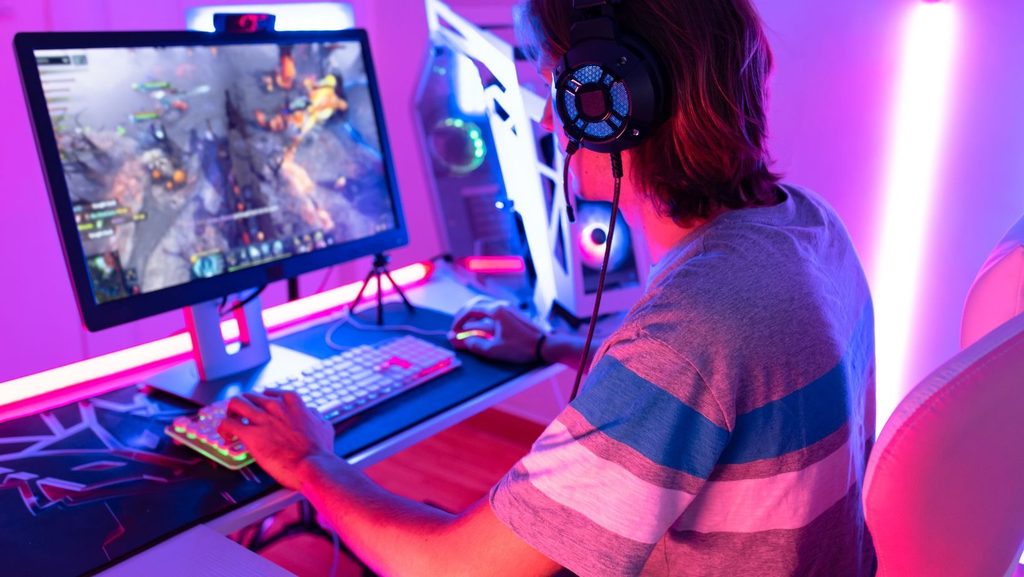
TogglePC gaming offers unmatched flexibility, performance, and game variety. Whether someone wants to play competitive shooters at 240 frames per second or explore open-world adventures with stunning visuals, a gaming PC delivers. The market has grown significantly, with over 1.8 billion PC gamers worldwide as of 2024.
This guide covers everything beginners need to know about PC gaming. From selecting the right hardware to choosing games and platforms, readers will find practical advice to start their journey. The goal is simple: help newcomers make informed decisions and avoid common mistakes that waste time and money.
Key Takeaways
- PC gaming provides unmatched flexibility with access to over 50,000 games on Steam alone and multiple platform options like Epic Games Store and Xbox Game Pass.
- A solid PC gaming setup requires prioritizing the GPU and CPU—cards like the RTX 4060 and processors like the Ryzen 5 7600 offer excellent value for beginners.
- 16GB of RAM and a 1TB NVMe SSD form the baseline for smooth performance and fast loading times in modern games.
- Adjusting graphics settings starting at Medium and keeping GPU drivers updated ensures the best balance between visuals and frame rate.
- Building a custom PC offers better value and upgrade flexibility, while prebuilt systems save time and provide single-warranty convenience.
- Investing in a 144Hz monitor and quality peripherals significantly enhances the PC gaming experience, especially for competitive play.
Essential Hardware Components for PC Gaming
A gaming PC requires specific components to run modern games smoothly. Understanding each part helps buyers prioritize their budget effectively.
Graphics Card (GPU)
The graphics card handles visual processing and determines how games look and perform. For PC gaming at 1080p resolution, cards like the NVIDIA RTX 4060 or AMD RX 7600 provide excellent value. Those targeting 1440p or 4K gaming should consider higher-tier options like the RTX 4070 or RX 7800 XT.
Processor (CPU)
The CPU manages game logic, physics calculations, and background tasks. Modern games benefit from processors with at least 6 cores. Popular choices for PC gaming include the AMD Ryzen 5 7600 and Intel Core i5-14400F. These chips handle current titles without bottlenecking mid-range graphics cards.
Memory (RAM)
16GB of RAM serves as the current standard for PC gaming. Some newer titles recommend 32GB, but 16GB handles most games without issues. DDR5 memory offers faster speeds, though DDR4 remains a cost-effective option for budget builds.
Storage
Solid-state drives (SSDs) dramatically reduce loading times. A 1TB NVMe SSD provides fast performance and enough space for several large games. Many PC gaming enthusiasts add a secondary hard drive for storing older titles.
Power Supply and Case
A quality power supply unit (PSU) protects components and ensures stable operation. Aim for 80+ Bronze certification or higher. The case should offer good airflow with space for future upgrades.
Choosing the Right Games and Platforms
PC gaming shines in its vast library and platform options. Players can access games through multiple storefronts, each with unique benefits.
Major Gaming Platforms
Steam dominates the PC gaming market with over 50,000 games available. Its frequent sales, community features, and mod support make it the go-to platform for most players. Epic Games Store offers weekly free games and exclusive titles. GOG specializes in DRM-free games, giving buyers full ownership of their purchases.
Xbox Game Pass PC deserves special mention. For a monthly fee, subscribers access hundreds of games including day-one releases from Microsoft studios. It’s an affordable way for newcomers to explore PC gaming without large upfront costs.
Finding the Right Games
New PC gamers should start with genres that interest them. Popular entry points include:
- First-person shooters: Counter-Strike 2, Valorant (free-to-play)
- Action RPGs: Elden Ring, Baldur’s Gate 3
- Strategy games: Civilization VI, Age of Empires IV
- Indie titles: Hades, Stardew Valley
Checking system requirements before purchasing prevents frustration. Websites like “Can You Run It” analyze hardware and compare it against game specifications.
Optimizing Your PC Gaming Experience
Getting the most from a PC gaming setup involves software tweaks and peripheral choices.
Graphics Settings
Most games offer preset quality options: Low, Medium, High, and Ultra. Starting at Medium and adjusting upward helps find the sweet spot between visuals and frame rate. For competitive PC gaming, prioritizing frame rate over visual fidelity gives players a reaction-time advantage.
Key settings to adjust:
- Resolution: Match your monitor’s native resolution
- V-Sync: Disable for lower input lag, enable to prevent screen tearing
- Anti-aliasing: DLSS or FSR provides quality with minimal performance cost
- Shadows and Ray Tracing: These hit performance hard: lower first if needed
Driver Updates
NVIDIA and AMD release driver updates that improve PC gaming performance in new titles. Checking for updates monthly ensures optimal compatibility.
Essential Peripherals
A quality gaming mouse with adjustable DPI improves accuracy in shooters. Mechanical keyboards offer better response times and durability. For PC gaming at high frame rates, a 144Hz or higher refresh rate monitor makes motion appear significantly smoother than standard 60Hz displays.
Cooling and Maintenance
Dust buildup reduces cooling efficiency over time. Cleaning fans and filters every few months maintains performance. Software like HWiNFO monitors temperatures during PC gaming sessions.
Building vs. Buying a Gaming PC
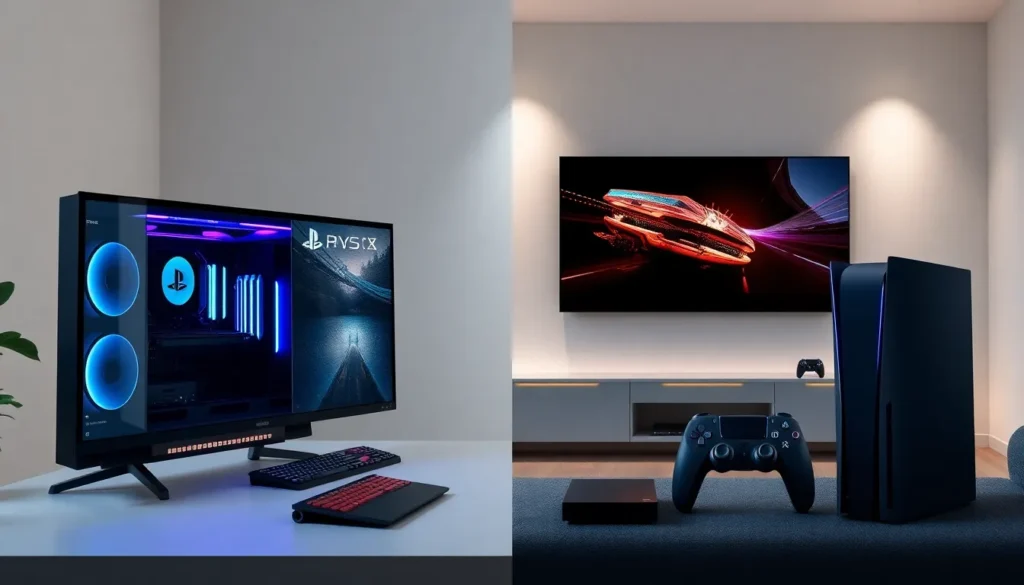
Both approaches to acquiring a PC gaming system have merit. The right choice depends on individual priorities and comfort level.
Building a Custom PC
Advantages:
- Full control over component selection
- Often better value for performance
- Easier future upgrades
- Educational and satisfying experience
Considerations:
- Requires research and patience
- No single warranty covers all parts
- Assembly takes 2-4 hours for beginners
Building suits those who enjoy hands-on projects. YouTube tutorials from channels like Linus Tech Tips and JayzTwoCents guide first-timers through the process.
Buying a Prebuilt System
Advantages:
- Works out of the box
- Single warranty and support contact
- Saves time and reduces stress
- Some models offer strong value
Considerations:
- Less customization flexibility
- Some prebuilts use proprietary parts
- May include unnecessary software
Reputable prebuilt brands for PC gaming include NZXT BLD, Maingear, and Origin PC. Budget-conscious buyers can find decent options from HP Omen and Lenovo Legion during sales.
The Middle Ground
Some companies offer custom-configured systems built to order. This approach combines customization benefits with professional assembly. It’s worth considering for those who want specific components without building themselves.