

Table of Contents
TogglePC gaming refers to playing video games on a personal computer rather than a dedicated console or mobile device. This form of gaming has grown into a massive industry, with millions of players worldwide choosing PCs for their flexibility, power, and game variety.
What makes PC gaming different? Players can customize their hardware, access thousands of exclusive titles, and often enjoy better graphics and performance than other platforms offer. Whether someone wants to play casual indie games or competitive esports titles, a gaming PC can handle it all.
This guide explains what PC gaming involves, what hardware matters most, how it compares to console gaming, and how beginners can start their own PC gaming journey.
Key Takeaways
- PC gaming lets you play video games on a personal computer with customizable hardware, superior graphics, and access to thousands of titles.
- The most critical components for a gaming PC include the graphics card (GPU), processor (CPU), RAM, and an SSD for fast load times.
- While gaming PCs have higher upfront costs than consoles, deeper game discounts and upgradability can balance long-term expenses.
- PC gaming offers the largest game library available, including exclusive genres like real-time strategy, complex simulations, and decades of backward-compatible titles.
- Beginners can start with a pre-built system for convenience or build a custom PC starting around $600–$800 for solid mid-range performance.
- Online communities like Reddit and YouTube provide valuable resources for new PC gamers learning to build, troubleshoot, and optimize their setup.
Understanding PC Gaming Basics
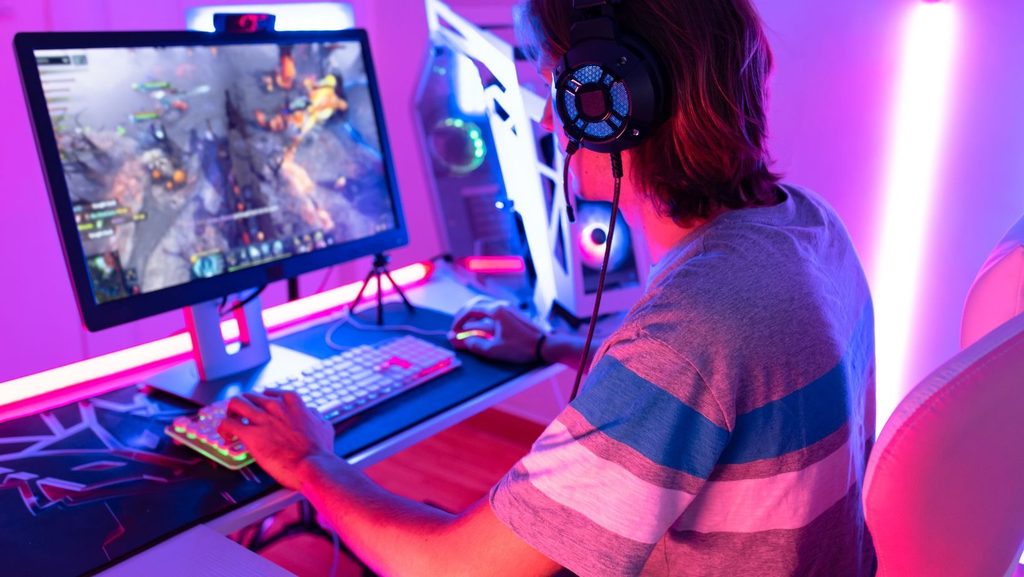
PC gaming means using a personal computer to play video games. Unlike consoles, which come as fixed hardware packages, gaming PCs allow users to select and upgrade individual components. This flexibility gives players control over their gaming experience.
A gaming PC runs games through specialized software. Players download games from digital storefronts like Steam, Epic Games Store, or GOG. These platforms host thousands of titles across every genre, from first-person shooters and role-playing games to strategy titles and simulators.
The PC gaming community values customization. Players can adjust graphics settings to match their hardware capabilities. They can install mods that change how games look or play. They can use different input devices, from keyboards and mice to controllers and even flight sticks.
PC gaming also supports competitive esports. Games like Counter-Strike 2, League of Legends, and Valorant have professional scenes with major tournaments and prize pools. Many players prefer PC gaming for competitive titles because of faster response times and higher frame rates.
Another benefit involves backward compatibility. A modern gaming PC can run games from decades ago. Players don’t lose access to their library when new hardware releases, a common frustration with console generations.
Key Components of a Gaming PC
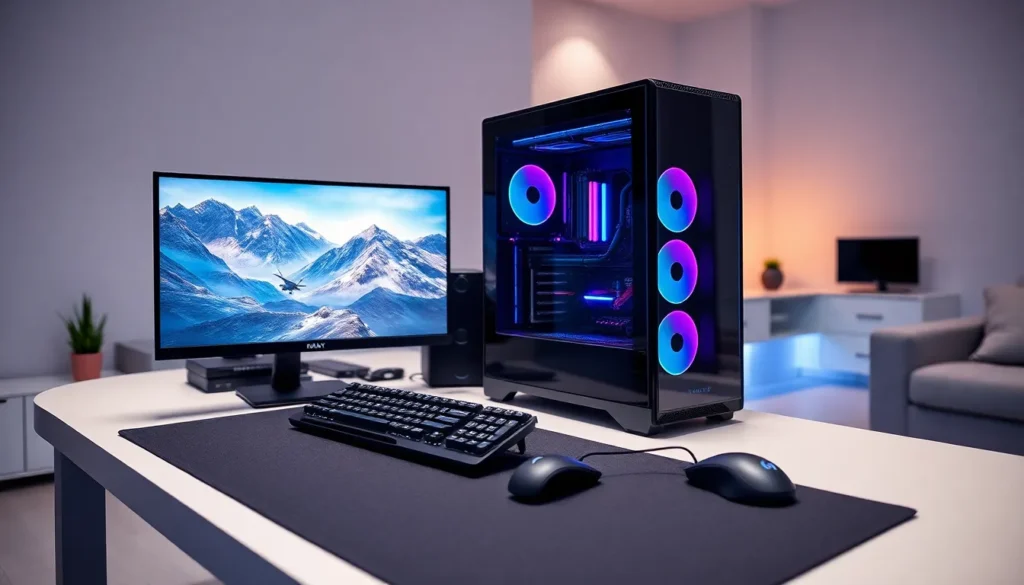
Building or buying a gaming PC requires understanding its core components. Each part affects performance, and knowing what they do helps players make smart purchasing decisions.
Graphics Card (GPU)
The graphics card handles visual processing. It renders images, textures, and effects in games. A powerful GPU means higher frame rates and better visual quality. Popular options include NVIDIA’s GeForce RTX series and AMD’s Radeon RX cards. The GPU often represents the largest single expense in a gaming PC build.
Processor (CPU)
The CPU acts as the computer’s brain. It processes game logic, physics calculations, and AI behavior. Gaming requires a fast processor with multiple cores. Intel Core and AMD Ryzen chips dominate this market. A bottlenecked CPU can limit GPU performance, so balance matters.
Memory (RAM)
RAM provides temporary storage for active processes. Most modern games need 16GB of RAM minimum. Some newer titles recommend 32GB. Insufficient RAM causes stuttering and slow load times.
Storage (SSD/HDD)
Storage holds game files. Solid-state drives (SSDs) load games much faster than traditional hard disk drives (HDDs). Many players use an SSD for their operating system and frequently played games, then add an HDD for larger storage needs.
Motherboard and Power Supply
The motherboard connects all components. It must be compatible with the chosen CPU and support enough RAM and storage. The power supply unit (PSU) delivers electricity to every part. An underpowered PSU causes crashes and instability.
Monitor and Peripherals
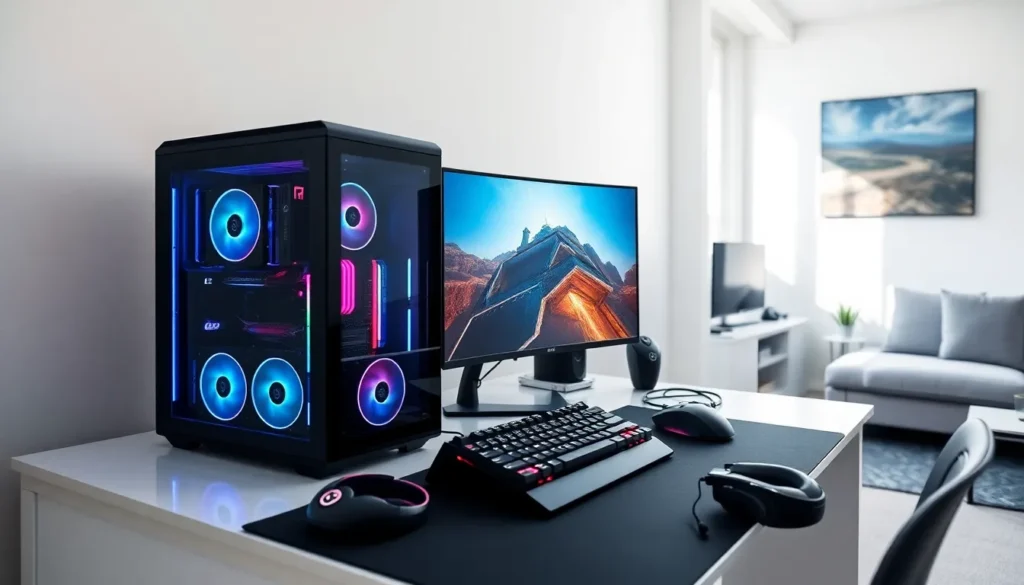
A gaming monitor displays the action. Higher refresh rates (144Hz or 240Hz) create smoother visuals. Resolution matters too, 1080p remains popular, but 1440p and 4K offer sharper images. Players also need a quality keyboard, mouse, and headset.
PC Gaming vs. Console Gaming
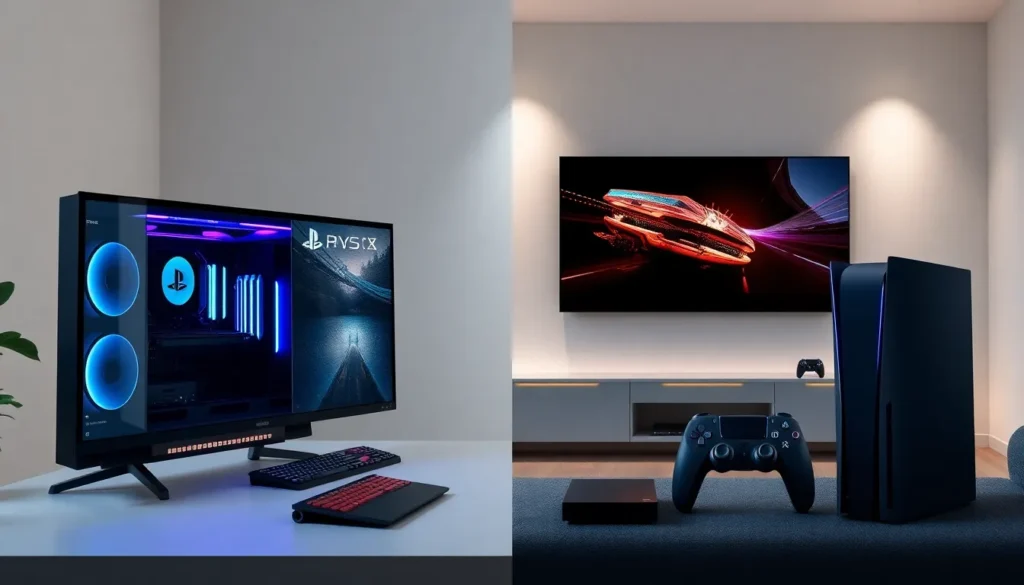
PC gaming and console gaming each have strengths. Understanding the differences helps newcomers choose the right platform for their needs.
Cost Considerations
Consoles have lower upfront costs. A PlayStation 5 or Xbox Series X costs around $500. A capable gaming PC starts around $800-$1000, though high-end builds can exceed $2000. But, PC games often sell at deeper discounts during sales events. Over time, the total cost of ownership can balance out.
Performance and Graphics
PC gaming offers superior performance potential. High-end PCs deliver frame rates and resolutions that consoles can’t match. Players can also adjust settings to prioritize either visual quality or smooth performance. Consoles provide consistent performance but with less flexibility.
Game Library
PC gaming provides access to the largest game library available. It includes most major releases, countless indie titles, and decades of older games. Some genres thrive primarily on PC, including real-time strategy games, complex simulations, and MMORPGs. Consoles have their own exclusives, though many PlayStation and Xbox titles now release on PC as well.
Ease of Use
Consoles win on simplicity. Players plug in the hardware and start playing. PC gaming requires more technical knowledge. Installing drivers, adjusting settings, and troubleshooting issues comes with the territory. Many find this process rewarding, but others prefer the console’s plug-and-play approach.
Upgradability
A gaming PC can be upgraded piece by piece. Players can swap in a new graphics card or add more RAM without buying an entirely new system. Consoles don’t offer this option, when new hardware releases, players buy a whole new unit.
Getting Started With PC Gaming
New players have several paths into PC gaming. The right approach depends on budget, technical comfort, and gaming goals.
Pre-built vs. Custom Builds
Pre-built gaming PCs come ready to use. Companies like HP, Dell, and specialized brands like NZXT and iBuyPower sell complete systems. This option suits those who want convenience. Custom building costs less and allows precise component selection, but requires research and assembly time.
Setting a Budget
PC gaming works at various price points. A $600-$800 build handles most games at medium settings. A $1000-$1500 system plays modern titles at high settings with smooth frame rates. Budgets above $2000 target enthusiasts who want maximum performance.
Essential Software
Every gaming PC needs certain software. Steam remains the most popular game store, with a library of over 50,000 titles. Discord provides voice chat and community features. GPU drivers from NVIDIA or AMD ensure optimal graphics card performance.
First Games to Try
New PC gamers should explore genres that showcase the platform’s strengths. Strategy games like Civilization VI demonstrate mouse-and-keyboard advantages. Multiplayer shooters like Valorant show off high refresh rate monitors. Modded games like Skyrim reveal the customization possibilities.
Learning Resources
Online communities help new PC gamers. Subreddits like r/pcgaming and r/buildapc offer advice. YouTube channels provide build guides and hardware reviews. Most questions have already been asked and answered somewhere online.