



Table of Contents
ToggleBest PC gaming in 2025 offers more power, more choices, and better value than ever before. Whether someone wants buttery-smooth frame rates, stunning visuals, or access to the largest game library on any platform, PC remains the top choice for serious gamers.
This guide covers everything players need to know. From essential hardware components to the hottest games worth playing right now, readers will find practical advice to level up their setup. The article also breaks down the age-old debate: should gamers build their own rig or buy a pre-built system? Plus, there are tips to squeeze every bit of performance from any PC gaming setup.
Key Takeaways
- Best PC gaming in 2025 requires a solid GPU (like the RTX 4070/4080 or RX 7800 XT), a capable CPU, 32GB DDR5 RAM, and at least 1TB NVMe SSD storage.
- Top PC games right now include Baldur’s Gate 3, Counter-Strike 2, Elden Ring, Cyberpunk 2077, Alan Wake 2, and Palworld—offering diverse experiences across genres.
- Building a custom PC saves 10-20% over pre-builts and teaches valuable upgrade skills, while pre-built systems offer convenience and single-warranty support.
- Regularly updating GPU drivers, enabling XMP/EXPO for RAM, and using Windows Game Mode can significantly boost PC gaming performance.
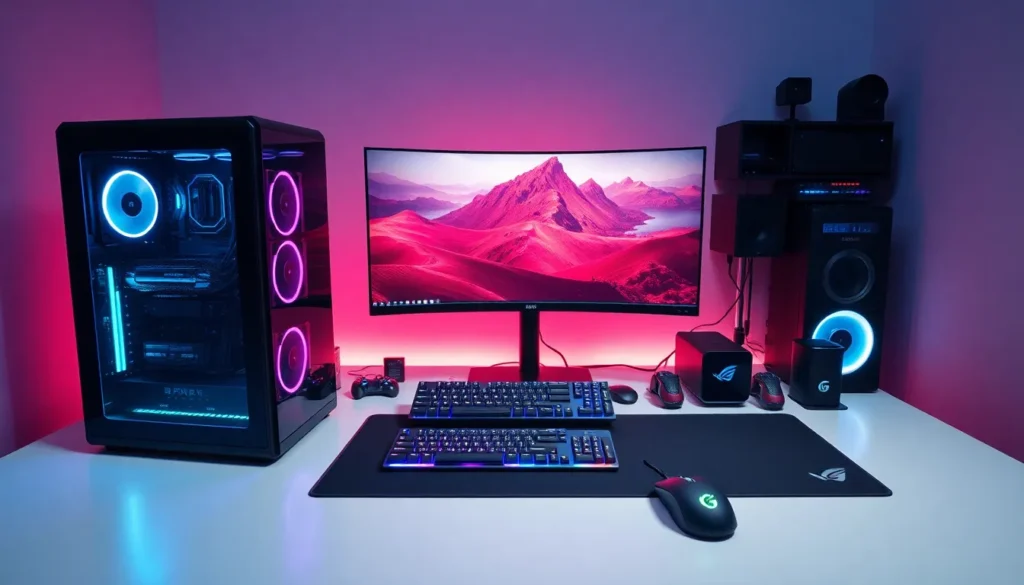
- A quality 1440p 144Hz monitor (OLED or IPS) paired with responsive peripherals completes the best PC gaming setup.
- Join PC gaming communities on Reddit and Discord for troubleshooting help, game recommendations, and performance optimization tips.
Essential Hardware for Optimal PC Gaming
Great PC gaming starts with the right hardware. Each component plays a specific role in delivering smooth gameplay and sharp visuals. Here’s what matters most.
Graphics Card (GPU)
The GPU handles all visual processing. For best PC gaming performance in 2025, NVIDIA’s RTX 4070 and RTX 4080 remain popular choices. AMD’s RX 7800 XT offers excellent value for 1440p gaming. Budget-conscious gamers can still enjoy most titles with an RTX 4060 or RX 7600.
Processor (CPU)
The CPU runs game logic, AI, and physics calculations. Intel’s Core i5-14600K and AMD’s Ryzen 7 7800X3D dominate the gaming space right now. The Ryzen chip’s 3D V-Cache technology gives it a notable edge in many games.
RAM and Storage
Most PC gaming builds need 32GB of DDR5 RAM in 2025. This amount handles modern games and allows for streaming or multitasking. For storage, a 1TB NVMe SSD should be the minimum. Games like Baldur’s Gate 3 and Call of Duty eat up 100GB or more each.
Monitor
A great PC can only shine with a quality display. Gamers should look for 1440p resolution at 144Hz or higher. OLED monitors have dropped in price and deliver incredible contrast. IPS panels remain solid for those watching their budget.
Peripherals
A responsive mechanical keyboard and a lightweight gaming mouse complete the setup. Wireless options from Logitech and Razer now match wired performance. Good headphones with a clear microphone help with team communication.
Top PC Games Worth Playing Right Now
PC gaming shines brightest through its game library. Here are standout titles across different genres that showcase what the platform can do.
Baldur’s Gate 3 earned Game of the Year in 2023 and continues to receive updates. Its turn-based combat and branching story offer hundreds of hours of content. This RPG represents best PC gaming storytelling at its finest.
Counter-Strike 2 brought Valve’s legendary shooter into a new era. The updated Source 2 engine delivers better graphics and improved smoke grenades. Competitive players still flock to this title daily.
Elden Ring combined FromSoftware’s challenging combat with an open world. The Shadow of the Erdtree expansion added massive new areas to explore. PC players benefit from mod support and higher frame rates.
Cyberpunk 2077 transformed after its troubled launch. The 2.0 update and Phantom Liberty expansion made it one of the best PC gaming experiences available. Ray tracing on PC creates stunning Night City visuals.
Alan Wake 2 pushes graphical boundaries. Its blend of horror and detective fiction works beautifully on capable hardware. PC gamers with RTX cards can enable path tracing for movie-quality lighting.
Palworld surprised everyone in early 2024. This creature-collection survival game sold millions of copies. It runs well on mid-range PC gaming setups and receives regular content updates.
Building vs. Buying a Gaming PC
This question sparks endless debate among PC gaming enthusiasts. Both options have merit in 2025.
Building a Custom PC
Building offers several advantages. Gamers choose exactly which components go into their system. They can prioritize GPU power over aesthetics, or vice versa. Custom builds typically cost 10-20% less than equivalent pre-builts.
The process teaches valuable skills too. Understanding how parts connect makes future upgrades simple. Troubleshooting becomes easier when someone knows their system inside and out.
Downsides exist, of course. Building takes time, usually 2-4 hours for first-timers. There’s no single warranty covering the whole system. Each part has its own manufacturer support.
Buying Pre-Built
Pre-built PCs offer convenience. They arrive ready to play. One warranty covers everything. Companies like NZXT, iBUYPOWER, and Maingear build quality systems.
Pre-builts make sense for those who value time over savings. They also help people uncomfortable with hardware assembly. Many pre-built companies now use standard parts, making future upgrades possible.
The best PC gaming setup depends on personal priorities. Someone who enjoys tinkering should build. Someone who just wants to game should consider buying.
The Middle Ground
Some retailers offer custom configurations. Buyers select components, and professionals assemble everything. This approach combines customization with professional assembly. It costs a bit more but removes assembly stress.
Tips to Enhance Your PC Gaming Experience
Even the best PC gaming hardware needs proper setup. These tips help gamers get more from their systems.
Update GPU drivers regularly. NVIDIA and AMD release game-specific optimizations. A new driver can boost performance by 5-15% in supported titles.
Enable XMP or EXPO in BIOS. RAM often runs below rated speeds by default. This simple toggle unlocks full memory performance.
Use game mode in Windows. This feature prioritizes gaming applications. It reduces background process interference during play sessions.
Manage thermals. Hot components throttle performance. Clean dust filters monthly. Consider adding case fans if temperatures exceed 80°C under load.
Calibrate monitor settings. Factory presets rarely look best. Adjust brightness, contrast, and enable any gaming modes. Sites like Rtings.com provide calibration guides for popular displays.
Organize game libraries. Tools like Playnite combine Steam, Epic, GOG, and other launchers into one interface. This saves time hunting for installed games.
Consider a UPS. An uninterruptible power supply protects against sudden shutdowns. Power surges can damage expensive PC gaming components.
Join communities. Reddit, Discord servers, and forums offer troubleshooting help and game recommendations. The PC gaming community shares knowledge freely.